File Handling in Python — Syllabus
Tripura Board · Class 12 · Computer Science
What File Handling in Python covers in Tripura Board Class 12 Computer Science: 4 topics, for the 2026-27 session.
Interactive on Super Tutor
Studying File Handling in Python? Get the full interactive chapter.
Quizzes, flashcards, AI doubt-solver and a step-by-step study plan — built for syllabus and more.
Free trial, no card needed.
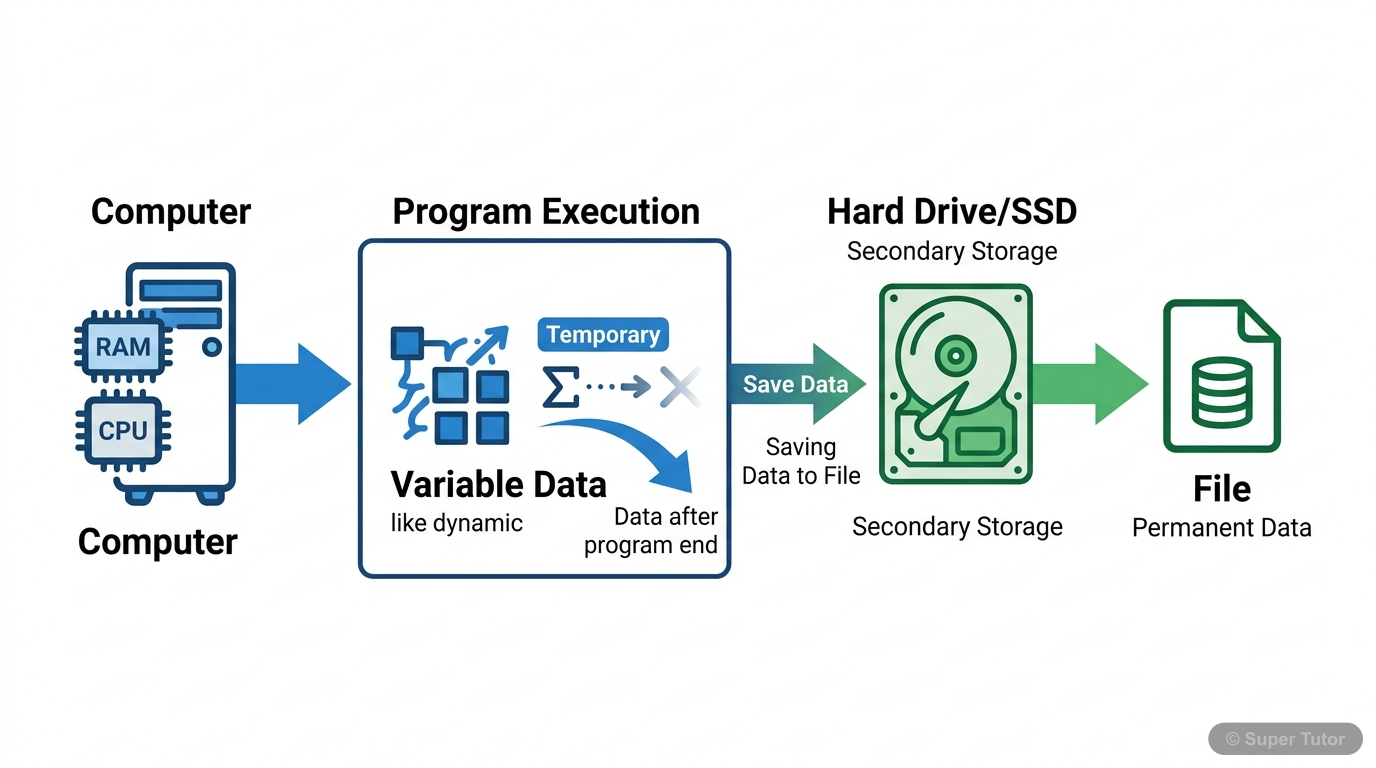
One of 9 illustrations for File Handling in Python in Super Tutor — alongside flashcards, concept maps and practice questions.
Topics in File Handling in Python
1. Basics of Files and Types of Files
- Files are used to store data permanently instead of only keeping it in memory during program execution.
- There are mainly two types of data files: text file and binary file.
- Text files contain only the ASCII equivalent of the contents and are human readable.
2. Opening and Closing Files
- open() creates a new empty file if the file does not exist.
- The default access mode for open() is read mode.
- By default, files are opened in text mode; binary mode requires b.
3. File Access Modes
- r means read only and the file object starts at the beginning of the file.
- rb means binary read only and the file object starts at the beginning of the file.
- r+ or +r means read and write and the file object starts at the beginning of the file.
4. Writing to Text Files
- To write to a file, it must be opened in write or append mode.
- write() is for writing a single string.
- writelines() is for writing a sequence of strings.
Key Concepts
Central concept: Managing permanent data in Python using text files, binary files, and the pickle module
Work through every topic in File Handling in Python with notes and quizzes
Start This ChapterFrequently Asked Questions
What are the important topics in File Handling in Python for Tripura Board Class 12 Computer Science?
How should I revise File Handling in Python for the Tripura Board Class 12 board exam?
Sources & Official References
Content is aligned to the official syllabus. Refer to the board website for the latest curriculum.
More resources for File Handling in Python
Practice Quiz
Test yourself with a quick quiz
Important Questions
Exam-style questions with answers
Revision Notes
Key points for last-minute revision
Formula Sheet
The chapter's formulas in one place
Chapter Summary
Understand the chapter at a glance
Concept Maps
See how topics connect
Study Plan
Step-by-step plan for this chapter
Flashcards
Quick-fire cards for active recall
NCERT Solutions
Every textbook question solved step by step
For serious students
Get the full File Handling in Python chapter — start free.
Quizzes, flashcards, an AI doubt solver and a study plan for Tripura Board Class 12 Computer Science. Free to start, no card needed.